
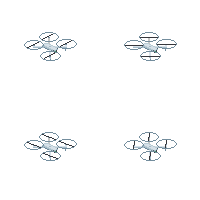
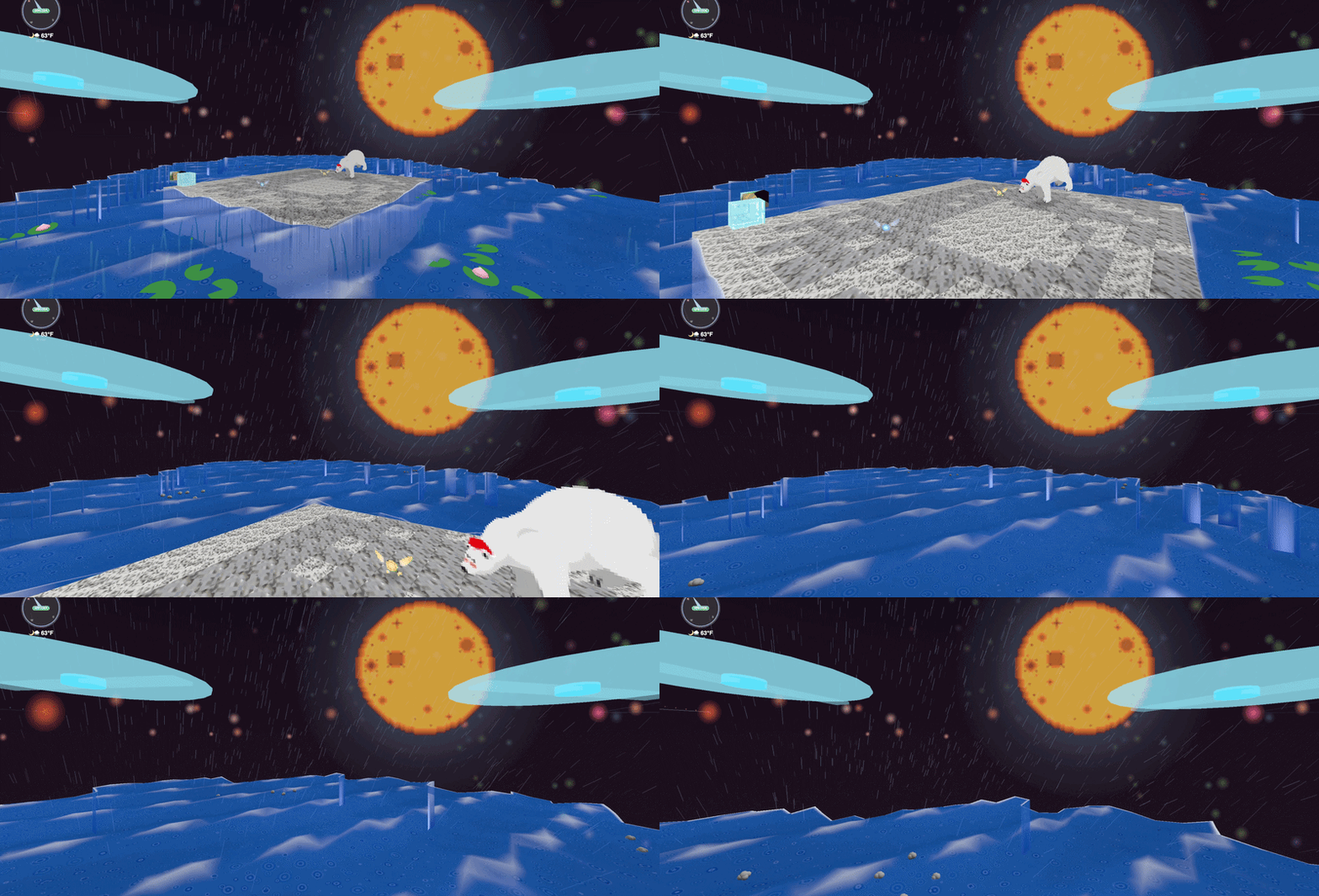
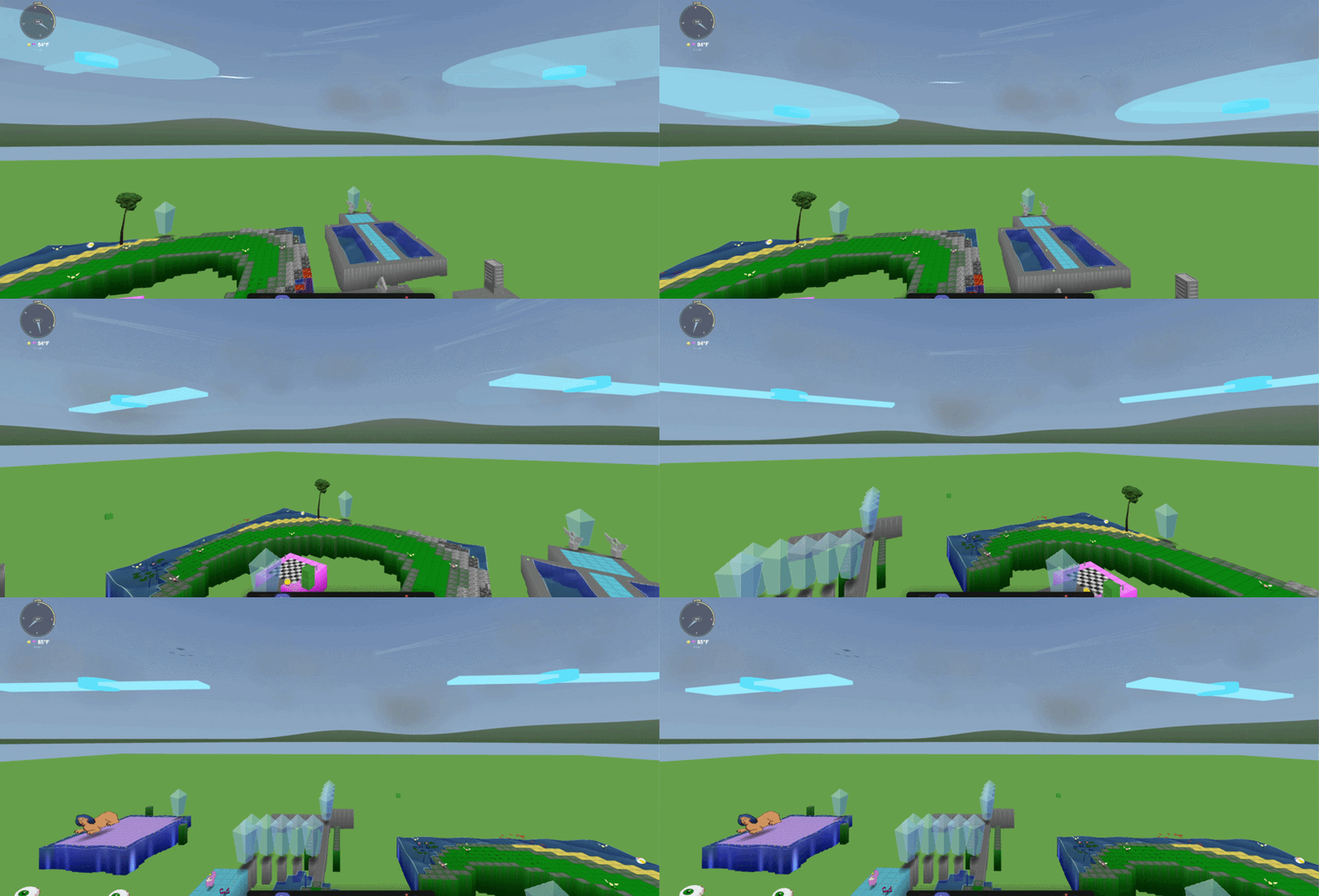
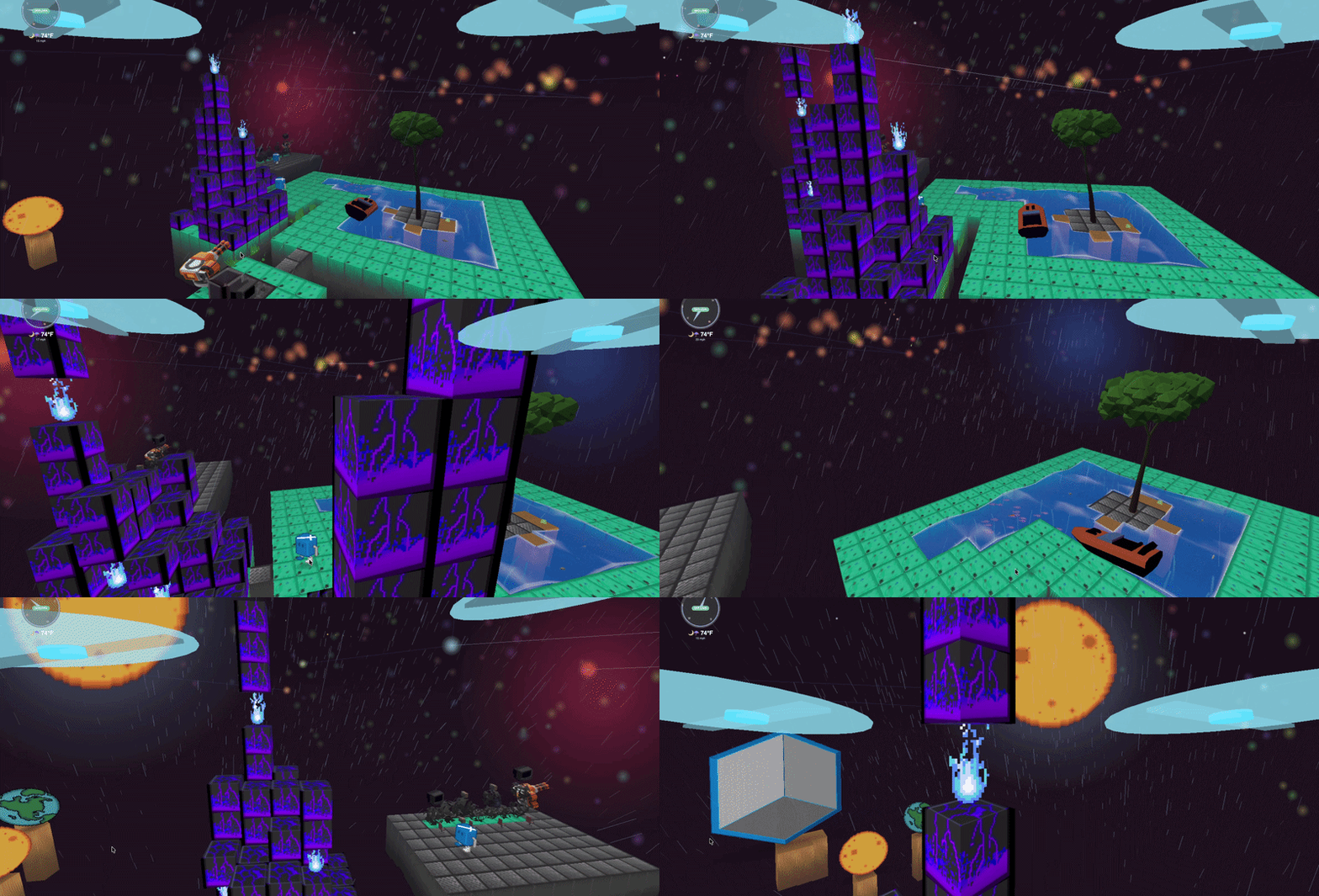
A drone, also known as an unmanned aerial vehicle (UAV), is an aircraft that operates without a human pilot on board and can be controlled remotely or fly autonomously. Drones are used for various purposes, including aerial photography, surveillance, and for fun! Using a drone in Kynto is one of the most fun things you can do. The drone allows you to travel around the map getting the perfect birds eye view. Currently there is no limit to how high you can fly into the sky. But, do be mindful of you elevation. If you go to fast, you can crash into the ground.
How do I activate the drone in Kynto?
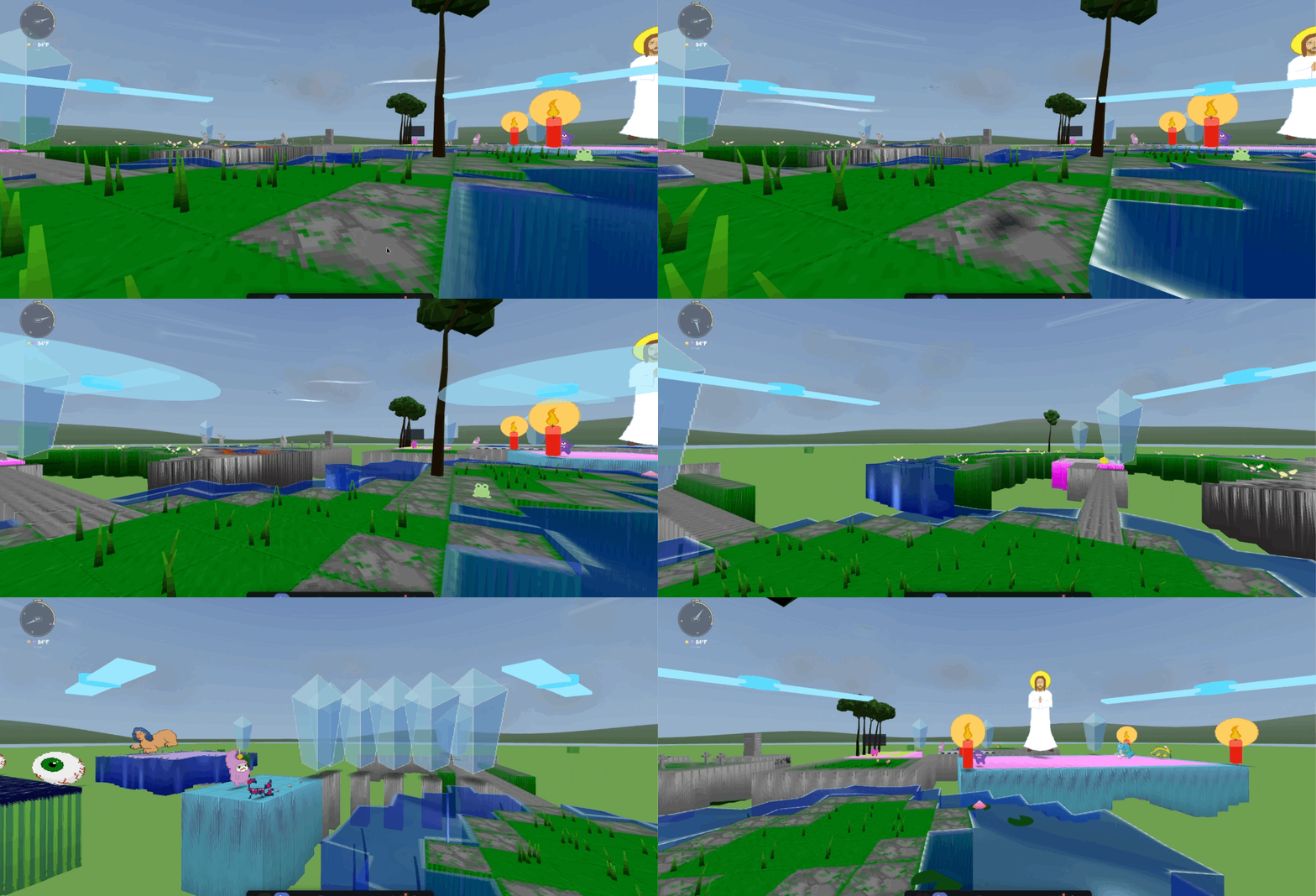
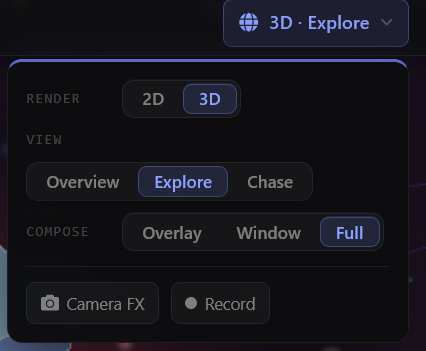
You can also launch the drone in 3rd person. Other players are able to see your drone as it flys around the map. To activate your done in Kynto, your camera can be in 2D or 3D. You can access this by clicking the drop down menu in the navigation bar. Make sure you have selected the Render to be in 3D. And for the View to be in Explore. This tells Kynto to show your camera in first person view.
How do I launch my drone in Kynto? 3D “overview”

To launch your drone in Kynto. you will need to press the “V” button on our keyboard. This will now launch you into drone mode. Once you have entered drone mode. Press the “Space Bar” on your keyboard to launched your drone off the ground.
How do I launch my drone in Kynto. – 3rd Person “Chase”
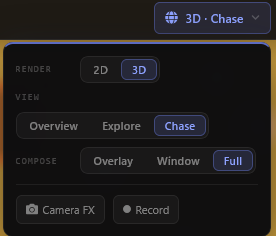
To launch the camera in a 3rd person view.
How do I launch my drone in 2D Kynto?
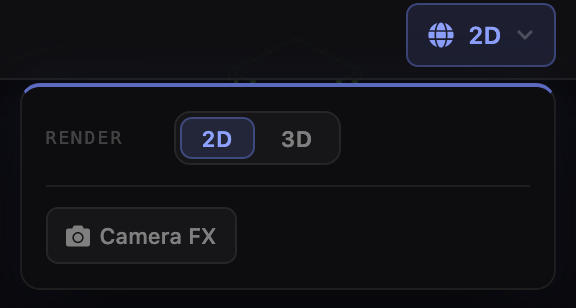
To enter 2D mode for Kynto. Make sure to select the 2D mode option in the navigation bar to select the setting.
How do I pilot my drone in Kynto on my PC?
Below are controls you can use to To control your drone in Kynto is very comfortable on your PC. You can fly your done by using the following:
W – Fly Forward
S – Fly Left
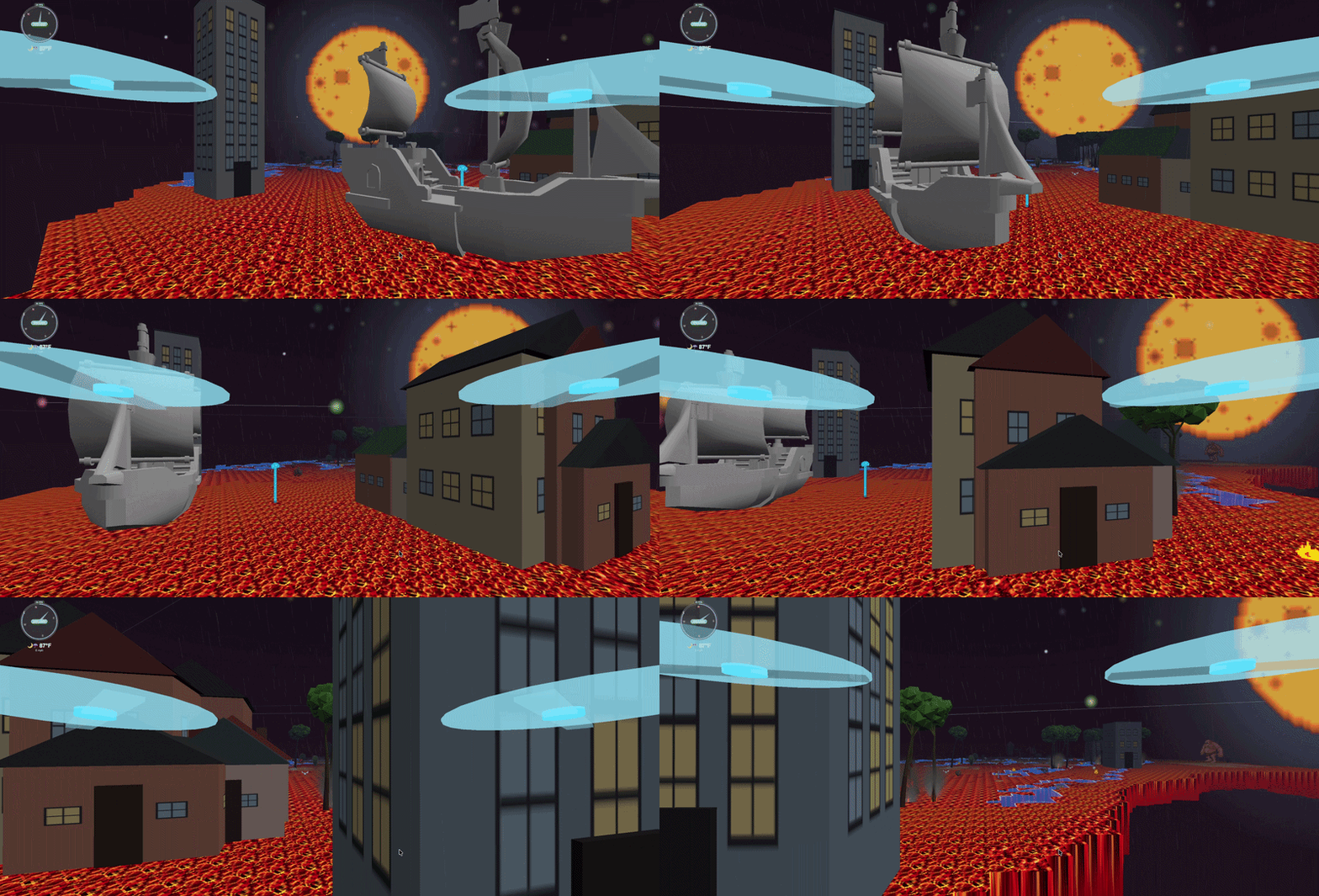
D – Right
A – Backwards
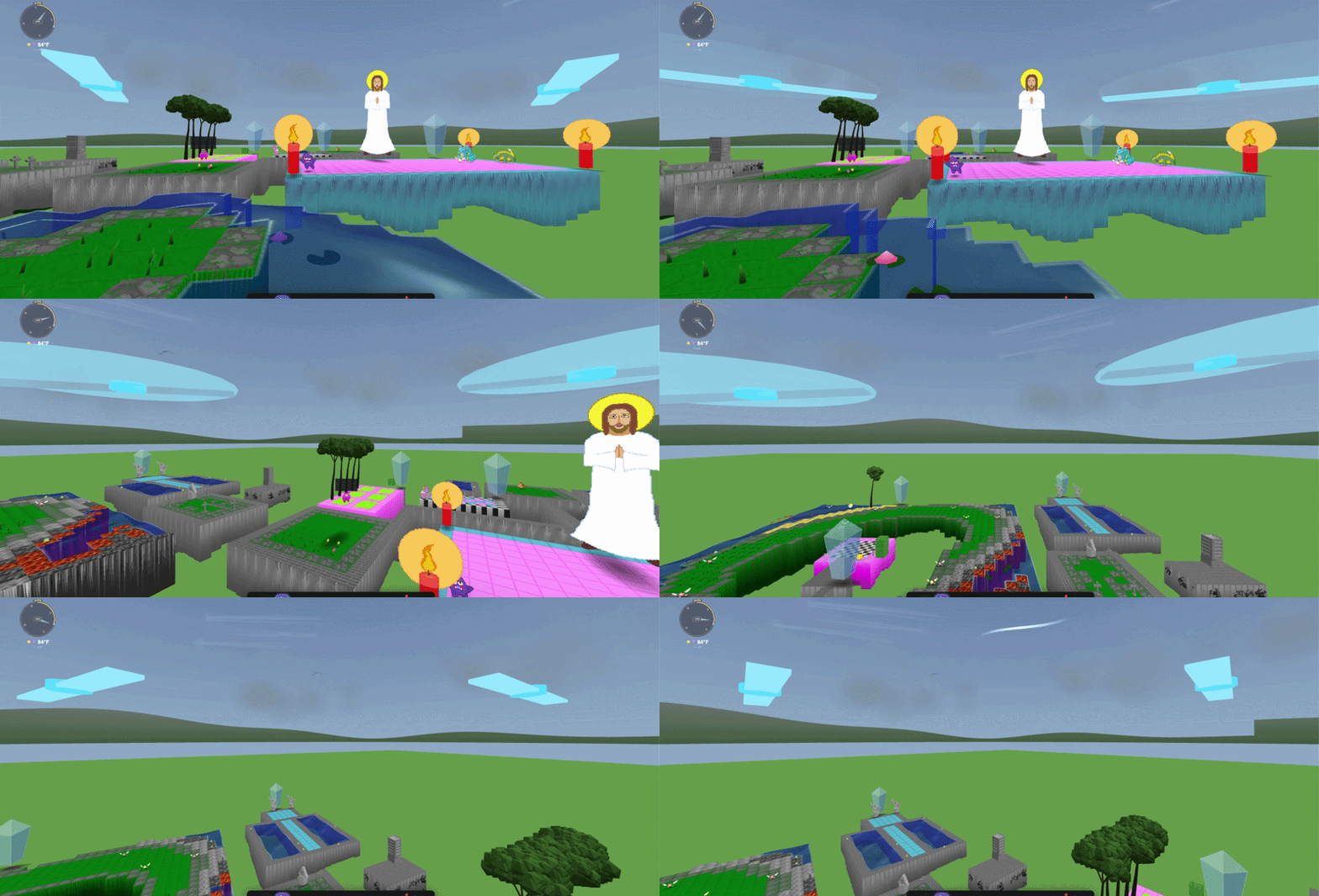
Space Bar – Launch your drone / Increase height
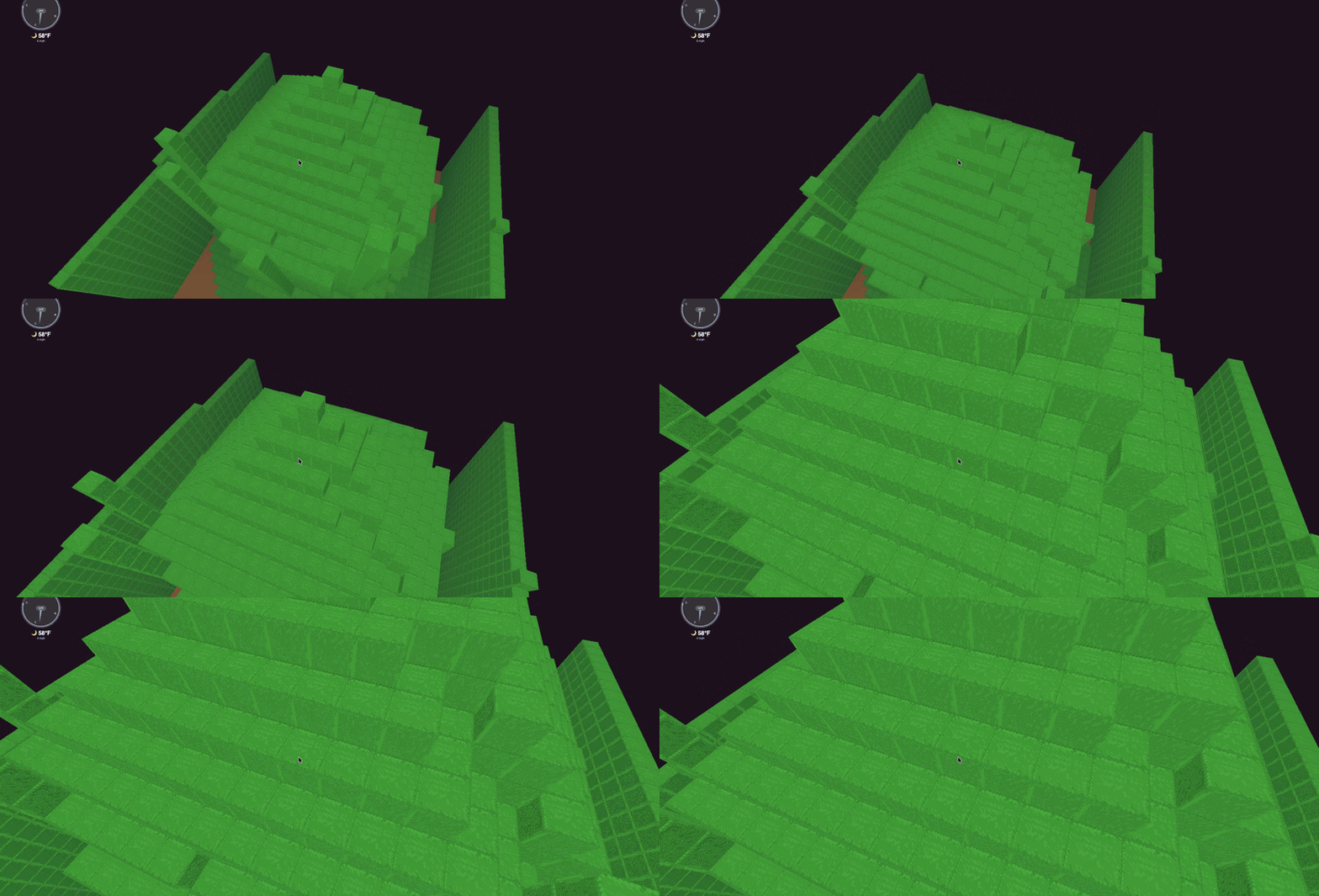
Right Shift – Decrease height
Right Arrow – Camera looks right
Left Arrow – Camera looks left
Mouse – Turn the camera on the drone to face a direction.
Left Shift – GO FAST BUTTON!!
How do I pilot my drone in Kynto on mobile?
Kynto on mobile runs very well. Our team would also recommend flying on a folding phone or a small tablet. The extra screen real estate helps sell the illusion of the drone flying.
Warning!!
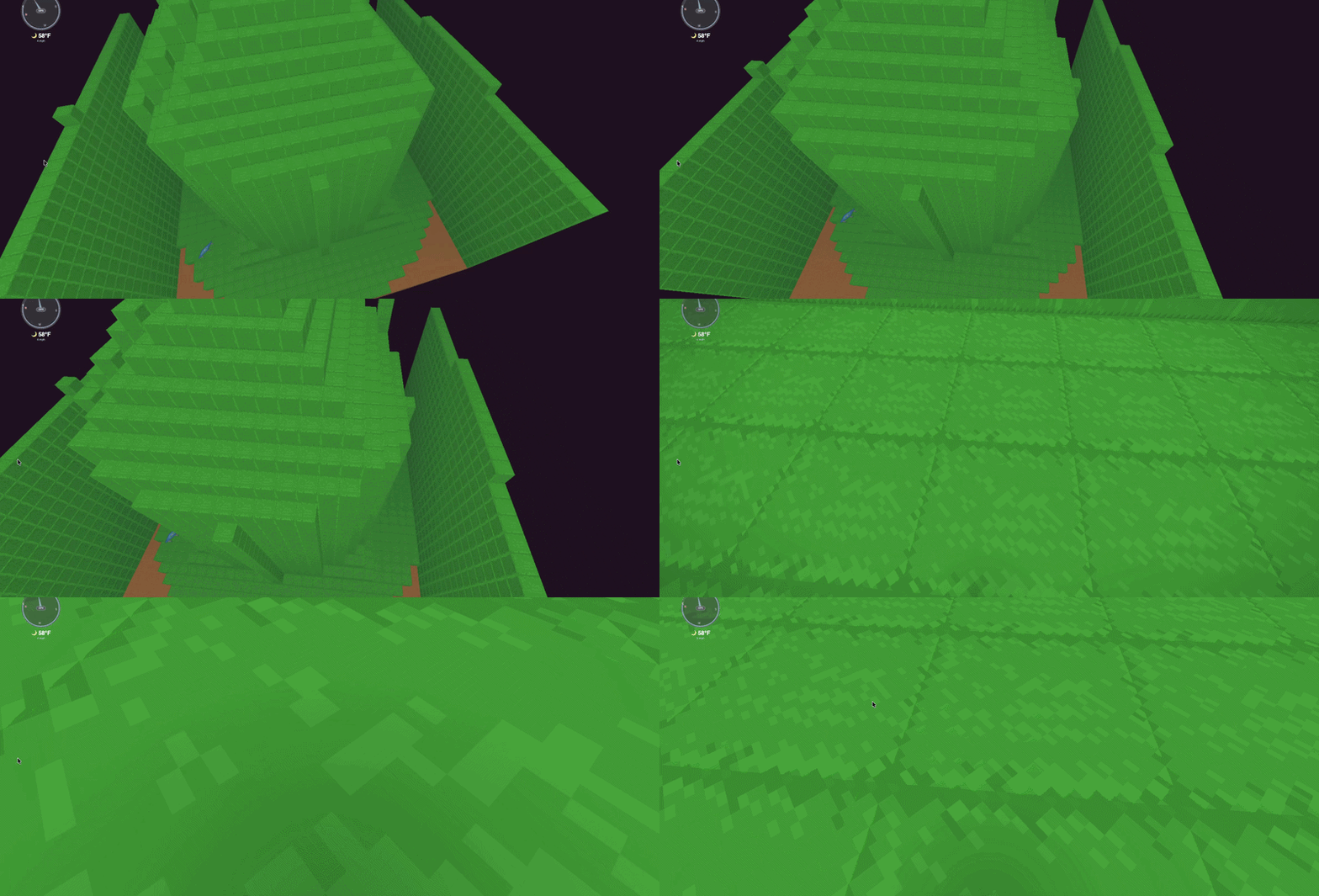
Pressing the left or right shift key on the keyboard will make you go very fast. You need to be careful when flying your drone not to smash your drone into objects or the ground. If you happen to crash into the ground. Your drone will respond automatically. Exactly where your last location was. Currently, there is no cost to crashing your drone. Except for your pride.
Why am I being blown away?
Kynto is a living, breathing world. And we mean that quite literally. While using the drone, if you do not lock your GPS coordinates. The drone will blow away in the wind slowly. In which ever way the wind blows. You need to make sure to lock the drone. Otherwise, you will not know where you will blow away to.